Posters with a new date
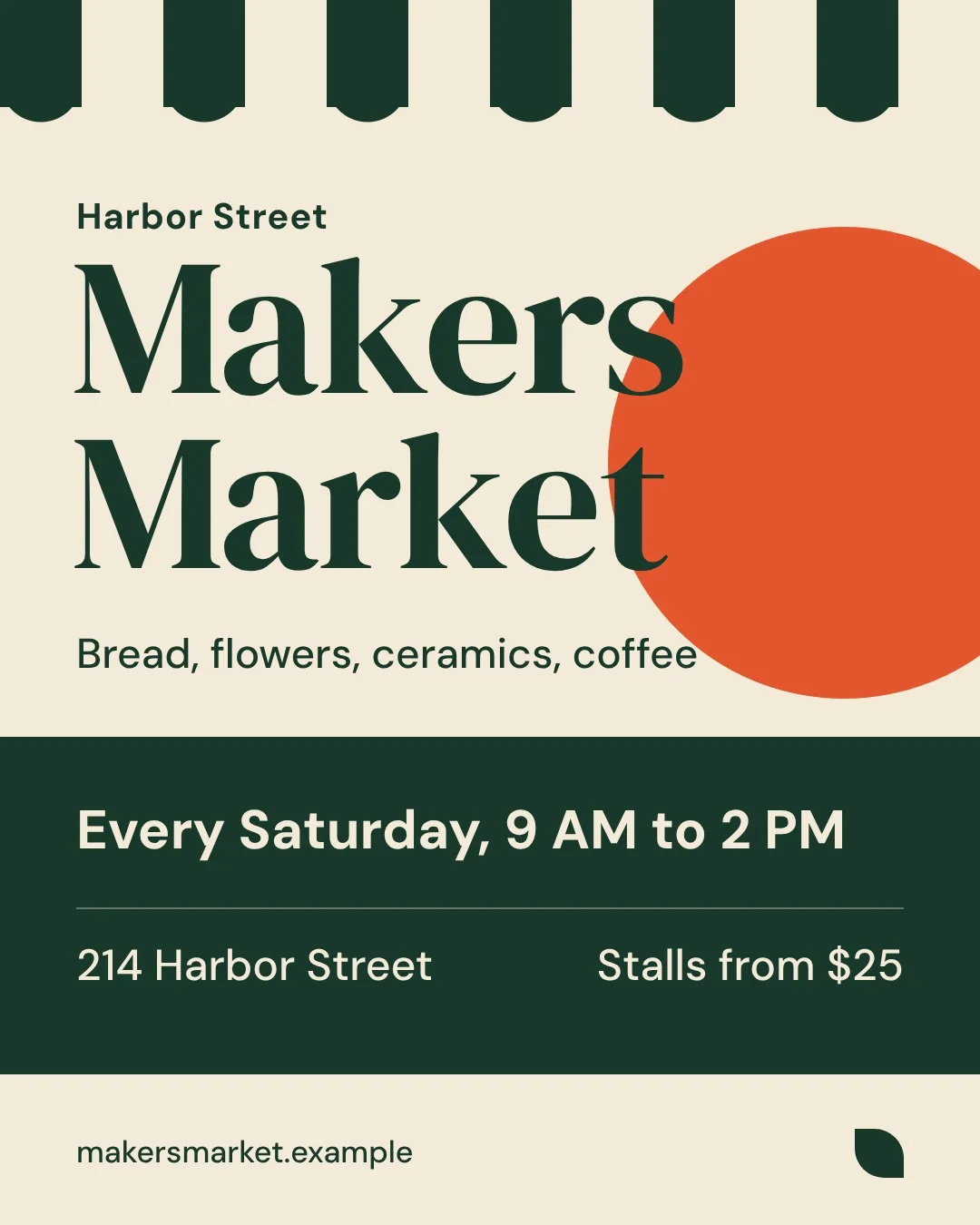
The venue moved or the date changed and the poster is already out. Retype that line and keep the layout you designed.
 Only the Words
Upload the image, tap the line you want to change, type the new words.
Not for documents: IDs, receipts, statements, certificates and chat screenshots are declined. What we do not edit
Only the line you change is redrawnEvery other pixel stays yours, and the download keeps the original size.
The new words are read backIf a letter came out wrong, the edit is redone once before you see it.
No account needed2 free edits a day. Sign in only to keep credits and saved images on every device.
You have a finished image and no design file. Upload the JPG, PNG or WebP and the tool reads every line of text on it, then outlines each line so you can tap the one you want. Type what it should say instead, and it redraws that line in place with the same font, size, colour and lighting.
The rest of the picture is left alone: only the lines you replace are redrawn and put back, so every other pixel stays as it was and the download keeps the original size. One edit takes about 40 seconds, and up to 8 lines can be changed in a single pass.

 BeforeAfter
The venue moved or the date changed and the poster is already out. Retype that line and keep the layout you designed.
Change the offer text or swap the language on a product shot without reshooting it.
Localise the headline on each screenshot for a new market, one line at a time.
Generated pictures often come back with lettering that reads as nonsense. Tap each line and type what it should have said.
Drop in a JPG, PNG or WebP; the text on it is read in a few seconds.
Every line is outlined, so pick the one you want and type the new words.
The new text is read from the result and compared with what you typed; a wrong letter is redone once automatically.
Only the changed lines are redrawn, and the file keeps the original size.
Changing the words on a record changes what the record says. So some images are checked and turned away before any edit is made, whoever asks and whatever the reason.
It also leaves watermarks, signatures and copyright notices where they are.
$9.90/ month
10¢ an edit, renews monthly
$24.90/ month
8¢ an edit, renews monthly
Yes. The line is redrawn in place using the font, size, colour and lighting already on the image, so it sits in the original layout. Letter shapes can differ slightly because the redraw is AI-made.
No. When you replace or remove lines, only those lines are redrawn and put back into your original image, so every other pixel stays exactly as it was. The download keeps the original size as a PNG.
Free gives you 2 edits a day with no account, drawn at standard detail. Credit packs are paid once: 20 edits for $4.90 or 60 for $9.90, where one credit is one edit at 2K with two free redos, and credits do not expire. Monthly plans are 100 edits for $9.90 or 300 for $24.90, cancel any time.
No. You can edit and download without signing in. An account is only needed for a monthly plan or to use your credits on more than one device, and you sign in with a link sent to your email, no password.
After upload, every line of text on the image is outlined. Tap the line you want, type the replacement, and repeat for up to 8 lines in one edit.
The tool reads the new text back from the finished result and compares it with what you typed. If a letter is wrong, the edit is redone once automatically.
It will not edit identity documents, financial records, receipts, certificates, tickets or screenshots of chats and social posts, and it does not remove watermarks. These are left out because changing them can mislead people about what a record actually says.
Uploaded images are deleted from our servers within an hour unless you save them with a monthly plan. Saved images stay until you delete them, and the edited file stays downloadable for 7 days. Without an account, recent images are remembered in your own browser only.
Yes, that is one of the common jobs. Generated pictures often come back with lettering that reads as nonsense, and you can tap each line and type what it should say.
Upload it, tap the line, type the new words, download the fixed file.